As AI image-generation tools become increasingly powerful, brand Logo design has evolved from “finding a designer” to “writing the right prompt and generating the visuals yourself.”
Today, we are taking a closer look at a creator who has been consistently sharing commercial-grade visual examples—Larus Canus(@MrLarus)—and his latest 30th release of “Trendy Cute Bold-Line IP” Logo prompts.
Meet the Creator
Larus Canus is a Prompt Engineer and AI Builder focused on the commercial application of AI. He has long shared original visual examples and prompts on X.
His content is not about showing off technical tricks. Instead, he breaks down AI capabilities into replicable and practical methods, helping teams and small brands validate their visual direction faster. His account focuses on AI, business, and everyday observations, with an emphasis on openly sharing practical experiments. He has nearly 40,000 followers, and many of his examples can be adapted simply by modifying the wording.
For Logo design, he has continuously explored different brand visual languages. This “Trendy Cute Bold-Line IP” series is particularly suited to small shops, creative products, lifestyle brands, and youthful businesses. It emphasizes being cute without seeming childish, and simple while still having strong commercial recognition.
4 Cute Yet Commercially Appealing Examples
The theme of this 30th release is the “Trendy Cute Bold-Line IP” Logo. The overall style combines thick black outlines, rounded characters, lively wordmarks, and small slogan accents. It is both cute and trendy, with strong recognizability, making it especially suitable for cup stickers, packaging, storefront signs, stickers, and social media avatars.
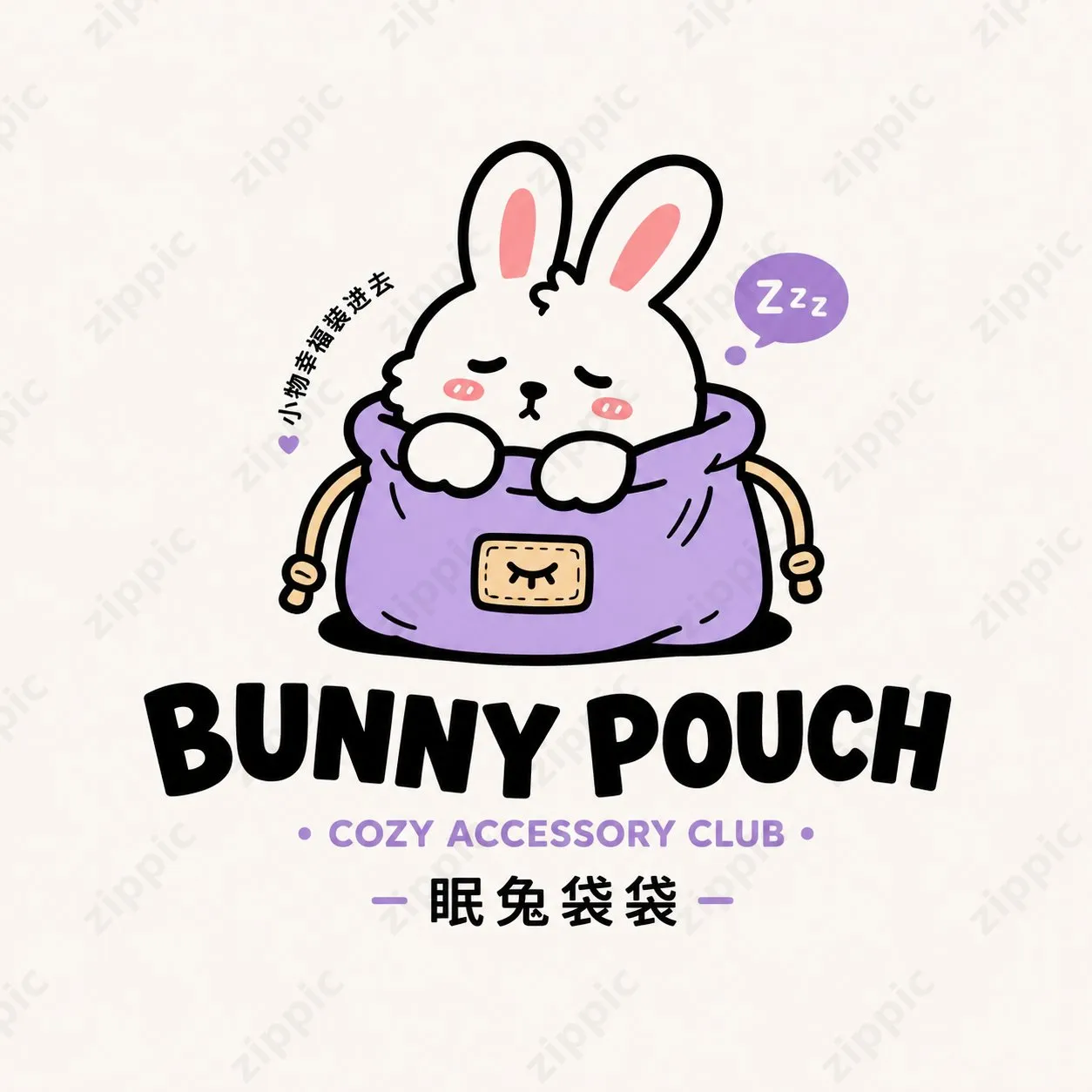
Bunny Pouch
A white rabbit with its eyes closed nestles comfortably inside a small purple pouch, accompanied by a “Zzz” speech bubble and the short phrase “Pack Happiness with Small Things.”
The main title uses a relatively thick English typeface, while the subtitle is “COZY ACCESSORY CLUB.” The overall feeling is gentle and comforting, making it suitable for general goods, accessories, and creative product brands.
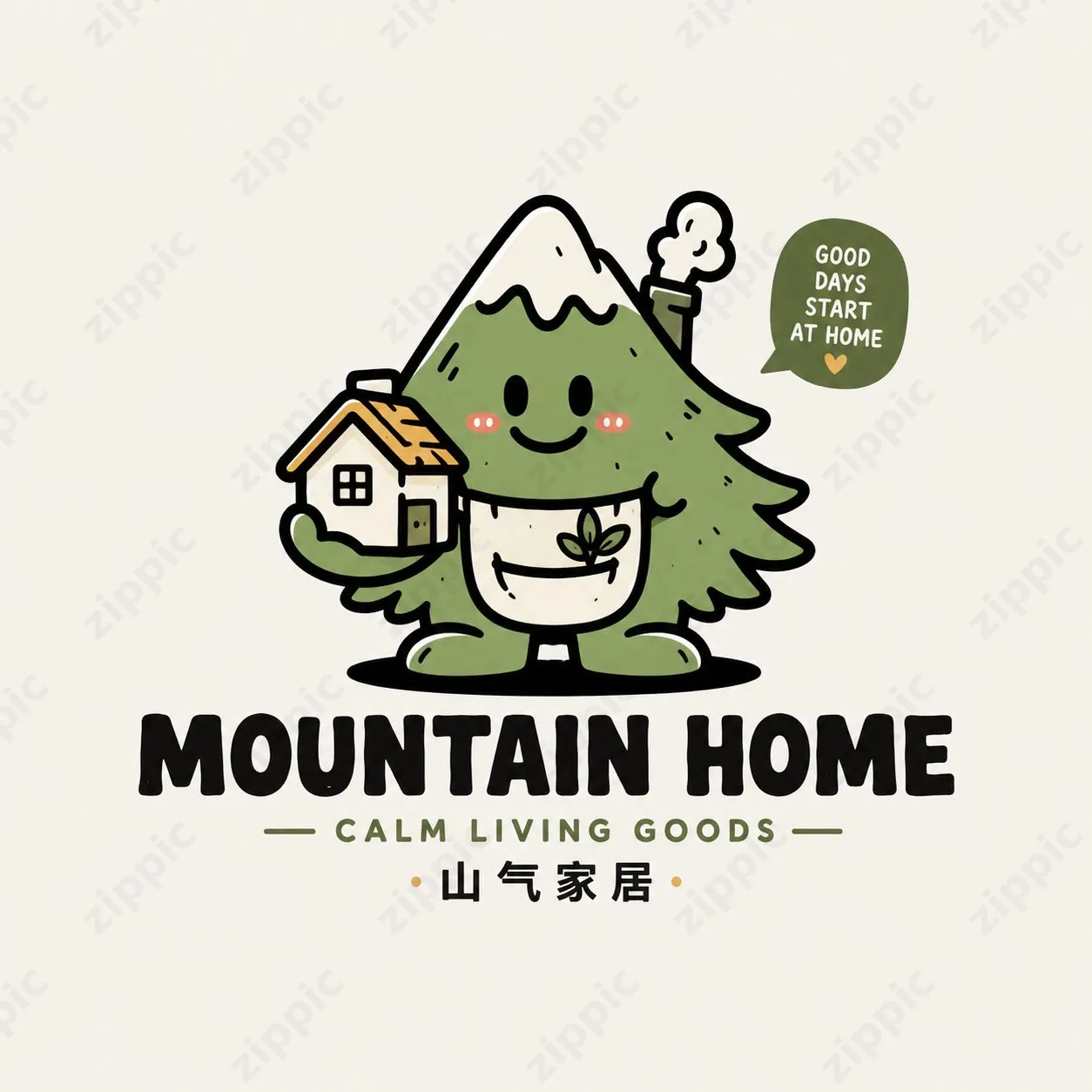
Mountain Home
An anthropomorphic green mountain-tree character smiles while hugging a small house, with a sprout element on its chest and the phrase “GOOD DAYS START AT HOME.”
This example combines the three concepts of “mountains, home, and nature” into a single character. Its broad appeal makes it suitable for home goods, lifestyle, and community-oriented brands.
Spring Cup
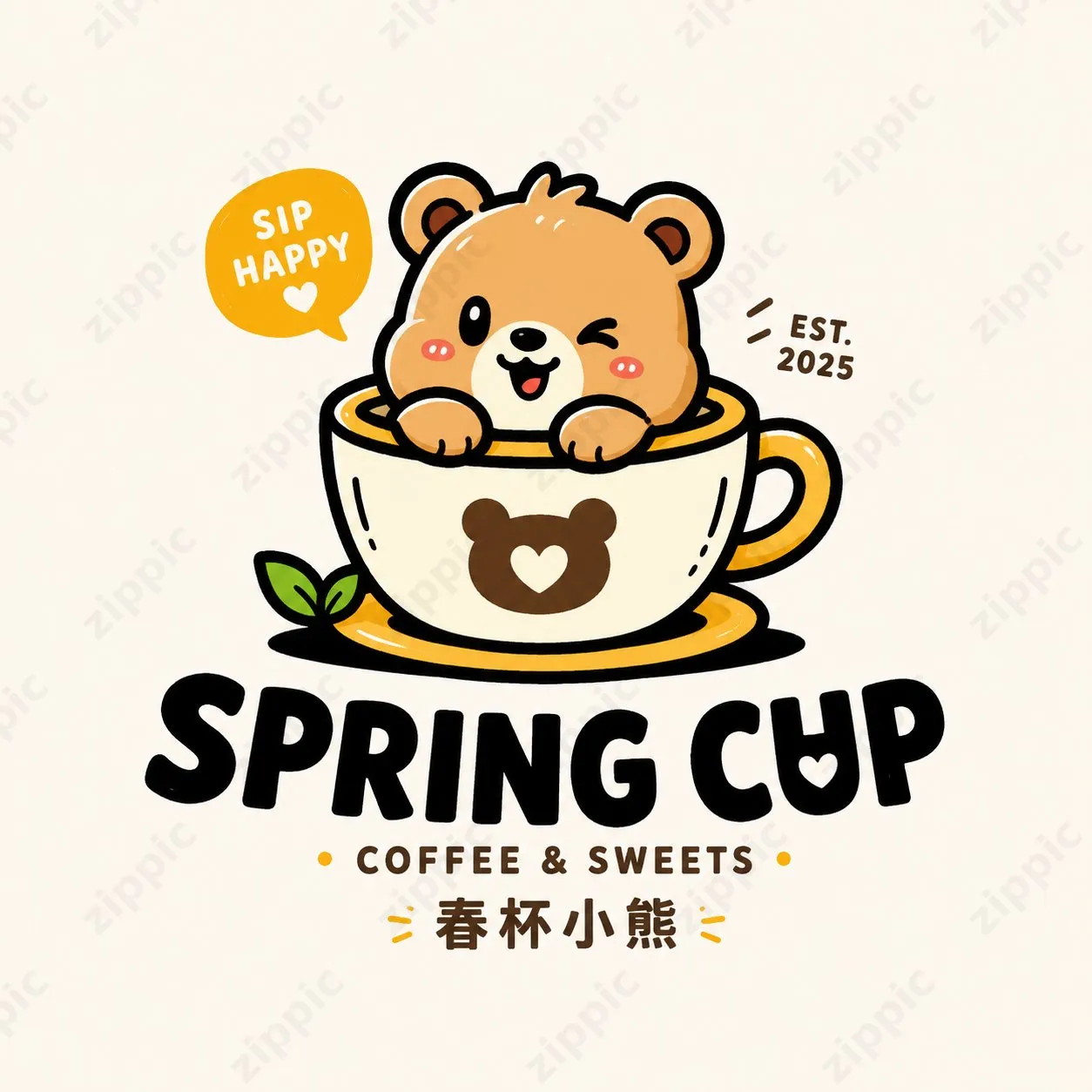
A winking, playful bear peeks out from a coffee cup, accompanied by a “SIP HAPPY” speech bubble and “EST. 2025.”
The main title is “SPRING CUP,” with the subtitle “COFFEE & SWEETS.” The character is directly connected to the product category, making it suitable for coffee shops, dessert shops, and beverage brands.
Frog Lab
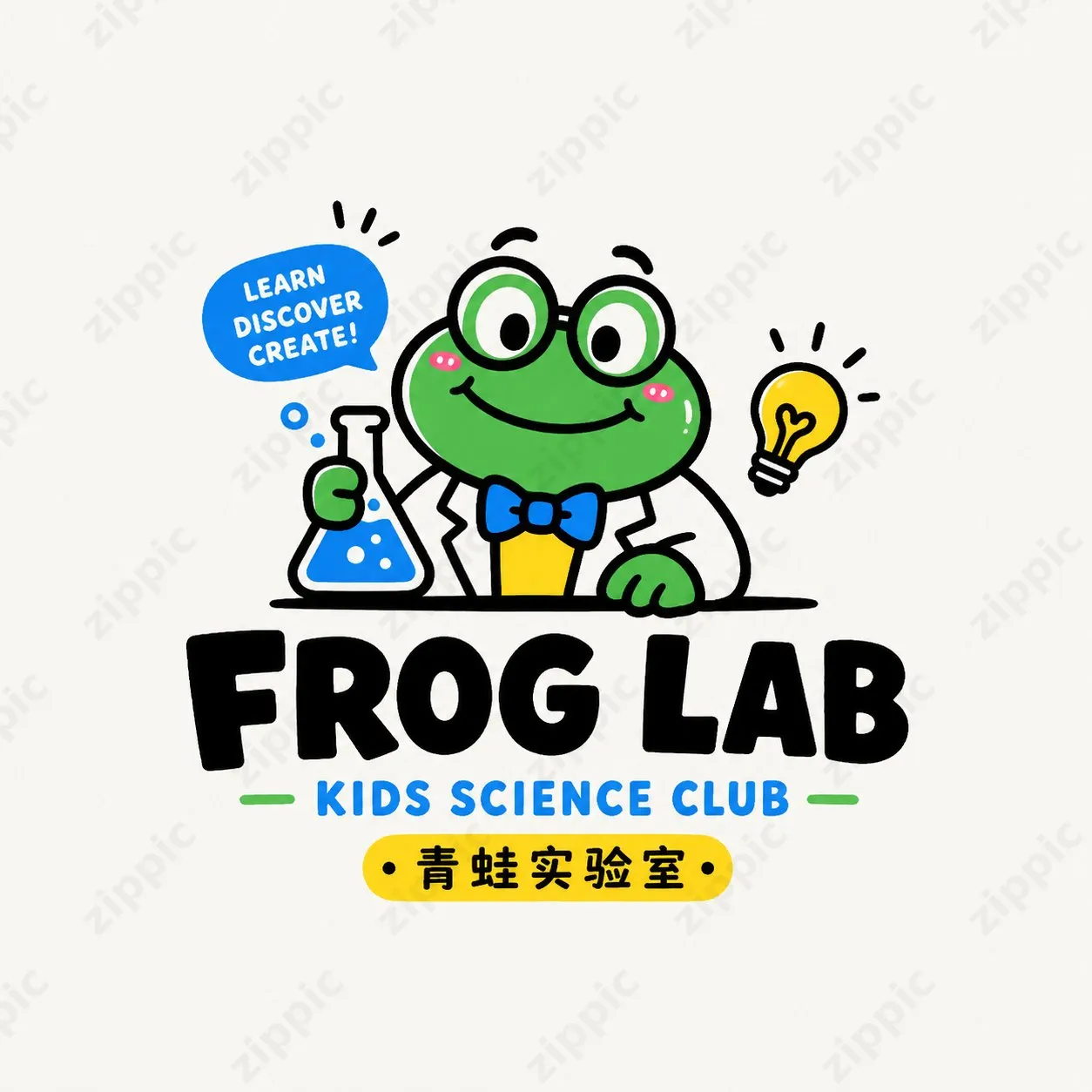
A green frog scientist wearing glasses and a white lab coat holds a flask and a light bulb. The speech bubble reads “LEARN DISCOVER CREATE!”.
The title is “FROG LAB,” with the subtitle “KIDS SCIENCE CLUB.” This example is better suited to children's education, playful learning, parent-child activities, and science-related brands.
These four examples have one thing in common: a pure white background, centered graphics, bold outlines, limited colors, and a clear text hierarchy. They typically use only 2 to 4 colors, creating a sticker-like feel while also making future packaging and merchandise extensions easier.
All of these Logos use a pure white background, centered graphics, bold outlines, and 2–4 bright colors. They have a sticker-like feel while offering strong commercial versatility.
The Complete Core Prompt
The creator provided a versatile prompt template directly in the comments. Brand names, product categories, and character directions can all be replaced, making it highly practical:
General prompt:
设计一张原创卡通吉祥物 Logo,整体为潮萌、轻复古、可商用的小店品牌视觉风格。画面采用纯白背景,Logo 单独居中展示,不要做成海报拼图。以「品牌名」为核心,围绕一个圆润可爱的动物 / 小怪兽 / 拟人角色展开,角色要有强记忆点,造型简洁、表情生动、轮廓清晰,带一点松弛感和趣味感。

整体风格参考:粗黑描边、扁平色块、高辨识度卡通形象、轻微手作感、贴纸感、小店 IP 感。配色控制在 2–4 种主色内,颜色要明快但不刺眼,可采用奶油色、橙黄、草绿、湖蓝、雾粉、焦糖棕等年轻化配色,不要脏灰,不要过度复杂,不要渐变金属感。

版式要求:图形主体在上,品牌字标在下或与图形自然结合;品牌主标题可以用中文、英文或中英结合;字体要圆润、厚实、有亲和力,可带一点手写感或趣味变形感;可加入一句简短副标题、小标语或品类说明,增强完整度,但文字不要过多。整体比例舒适,图形与文字关系紧凑,有品牌感,适合做门头、包装、贴纸、杯贴、社媒头像。

细节要求:Logo 要原创,不要照搬参考;不要太儿童化,也不要太幼稚;可爱中要带一点设计感和商业感;轮廓干净,识别度高,便于后续延展。输出为高清、干净、清晰的单个 Logo 成品图。
Replaceable information:
- Brand name: Bunny Pouch / Mountain Home / Spring Cup / Frog Lab
- Product category: general goods / home goods / beverages / children's communities / creative products / snacks / coffee / lifestyle brands
- Character direction: rabbit / bear / frog / mountain sprite / anthropomorphic cup / anthropomorphic pouch / cute pet character
The core strength of this prompt is that it clearly defines a “trendy cute + bold-line + commercially usable small-shop” style while strictly controlling the background, color palette, layout, and commercial applications. This helps avoid common AI issues such as designs being “too complex” or “too childish.”
Practical Workflow: Generate Images in Three Steps
Step 1: Prepare the Tool
Open ChatGPT with image-generation support, or an image-generation tool compatible with GPT-Image2, and make sure it can generate images.
Step 2: Copy and Fine-Tune the Prompt
Copy the general prompt above, then replace these three variables:
- Brand name: for example, “Bunny Pouch” or “Spring Cup”
- Product category: for example, “coffee,” “home goods,” “creative products,” or “children's community”
- Character direction: for example, “rabbit,” “bear,” “frog,” “mountain sprite,” or “anthropomorphic cup”
If you want to create a coffee shop, you can change it to:
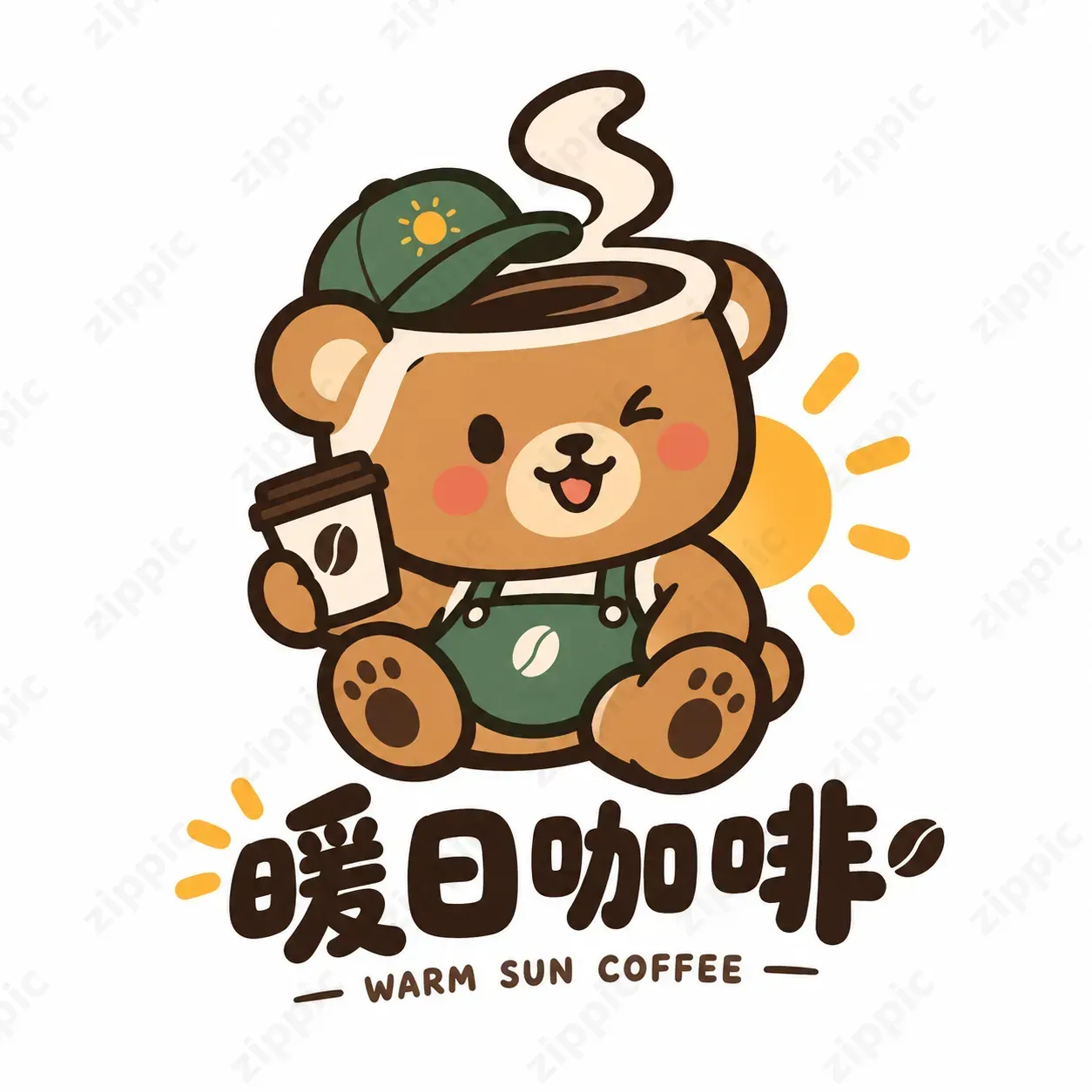
Brand name: Warm Day Coffee
Product category: coffee shop
Character direction: anthropomorphic bear cup
Step 3: Generate and Iterate
After sending the prompt, you can first generate around 4 variations, select the one that best matches the brand's personality, and continue fine-tuning it.
For example, you can continue with:
- “Make the outline even thicker.”
- “Make the character's expression more relaxed.”
- “Change the subtitle to……”
- “Reduce the number of colors and keep only cream yellow and caramel brown.”
Because the basic settings already specify a pure white background and a centered Logo, subsequent use for stickers, packaging, cup stickers, and social media avatars should be relatively straightforward.
Here is the result I generated with GPT2.0:
The entire process usually takes only a few minutes to produce a usable set of brand visuals, making it particularly suitable for independent brands, small-shop owners, and designers who want to test ideas quickly.
Remember to Optimize the Image File Size
High-resolution Logos generated by AI are often quite large. Uploading them directly to websites, brochures, e-commerce product pages, or social media can slow down loading times.
We recommend the free online image compression tool https://zippic.app.
Its key advantages are well suited to this use case:
- Processing takes place locally in the browser. Images are not uploaded to a server, providing privacy and security
- Supports JPG, PNG, WebP, GIF, AVIF, and other formats
- High compression rates while preserving image quality as much as possible
- Supports batch processing and is easy to use—just drag and drop
- No registration or login required
After generating your trendy cute Logo, simply drag it into zippic.app for compression. The file size can be significantly reduced, resulting in faster loading without affecting the charming bold-line visual style. Whether you are creating a brand website, a packaging print preview, or a social media avatar, the process becomes more efficient.
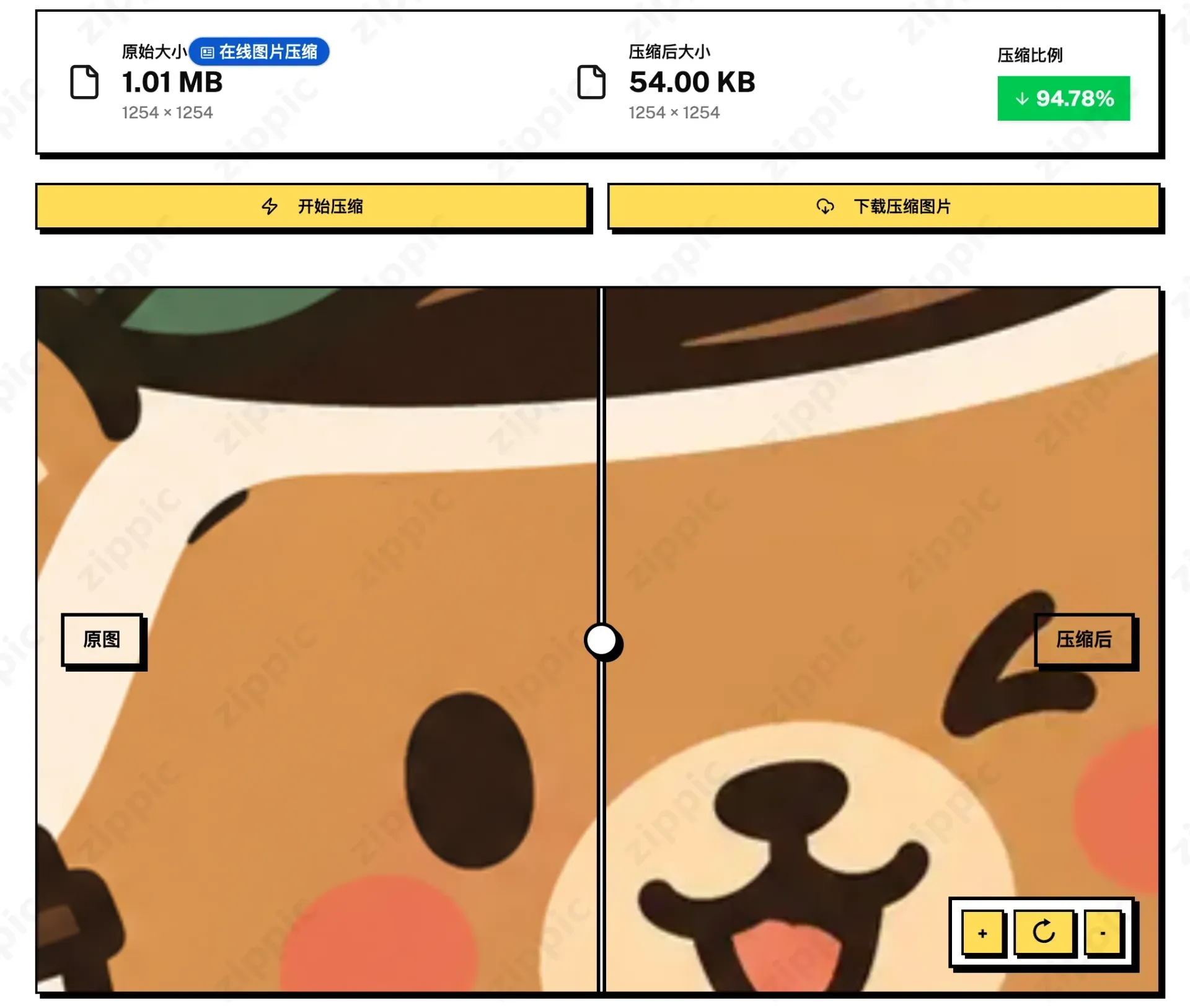
After generating the image with GPT IMAGE 2.0, the file size was 1.01M. After compression, it was reduced to 54KB—a total reduction of 94.8%—while the image clarity remained unchanged.
If you are interested, try this prompt and use zippic.app to optimize the image properly.