
Seedream4.5 is the Doubao image creation model released by Volcano Engine under ByteDance. Represented by Seedream 4.5, it is the first multimodal image foundation model to achieve a full closed-loop workflow of “generation as editing.” It supports combined text and image inputs and offers core capabilities such as 4K multimodal image generation, multi-image fusion creation, reference-based image generation, combined image generation, and image editing.
General Rules
Seedream 4.5 supports a variety of tasks, including text-to-image, image editing, reference-image-to-image generation, and image set generation. To achieve better image results, follow these principles when writing prompts:
1. Describe the image clearly and coherently in natural language
Core requirement: Use concise, complete sentences to describe the subject + action/state + environment, naturally incorporating aesthetic elements such as style, color, lighting, and composition. Avoid piling up scattered keywords.
- Example: An elderly man wearing round-frame glasses sits on a park bench reading intently, with the afterglow of sunset covering his whole body, in a warm and delicate realistic style.
- Avoid: Old man, wearing glasses, reading, park bench, sunset, warm light.
2. Clearly define the image’s application scenario and purpose
Core requirement: When there is a specific use case, directly state the image type (such as logo, poster, illustration, etc.) and the application scenario, so the AI can better understand the design purpose.
- Example: Design a logo for a coffee brand. The main subject is a cute fox holding a hot coffee cup, with the brand name “FoxBrew” clearly written on the logo.
- Avoid: A fox holding a cup, FoxBrew written next to the cup, an abstract image.
3. Control style rendering precisely
Core requirement: Clearly specify style keywords, or directly upload a reference image, to obtain a style closer to your expectations.
- Example:
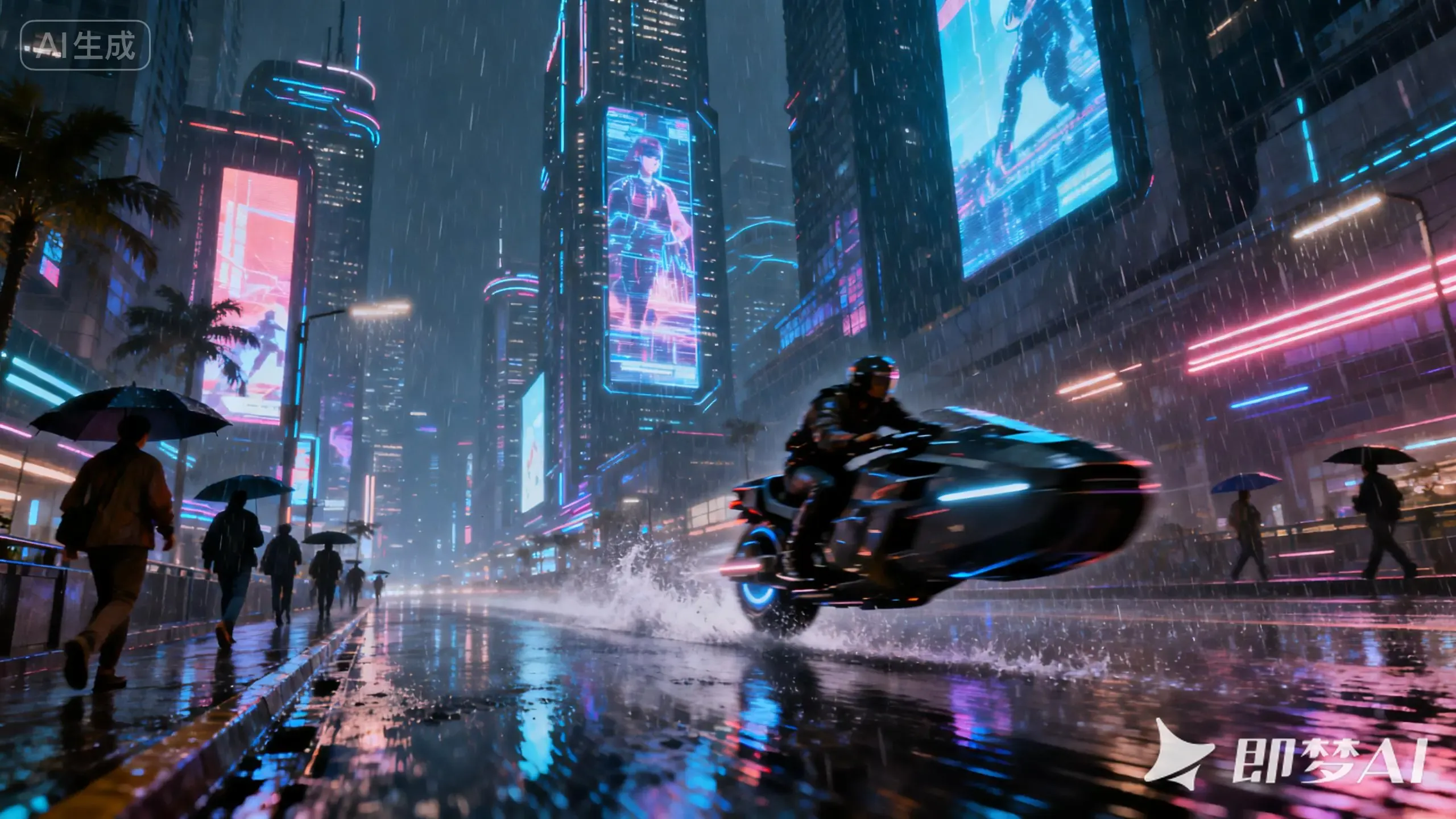
- A cyberpunk-style rainy-night city street
- A dreamy and warm children’s picture book illustration
4. Improve text rendering accuracy
Core requirement: The text content that needs to be generated must be placed inside double quotation marks to prevent the AI from misreading or distorting it.
- Example: Generate an inspirational poster with the prominent title “Never Stop Chasing Dreams” in the center, and a young person running toward a mountaintop in the background.
- Avoid: Generate an inspirational poster with the title Never Stop Chasing Dreams in the center and a runner in the background.
5. When editing images, clearly specify the goal and the parts that should remain unchanged
Core requirement: Use specific and clear language to describe the object to modify and the operation to perform. Avoid vague references; if most of the original image should be preserved, explicitly emphasize “keep all other parts unchanged.”
- Example: Change the boy sitting in front of the piano into a dark blue suit and a red bow tie, while keeping his original pose, expression, and background completely unchanged.
- Avoid: Change it into blue clothes and add a bow tie.
Advanced Prompt Techniques
1. Text-to-Image
The core of text-to-image is to clearly convey the image content and style you want through language. Here are several key suggestions:
- Describe the target image in clear and concise natural language.
- Seedream 4.5 has significantly improved Chinese comprehension, so a small amount of precise description can produce ideal results. Avoid stacking too many ornate modifiers.
- Compared with previous-generation models, the generated images have richer and more natural colors and are less likely to appear overexposed or washed out.
Example Showcase
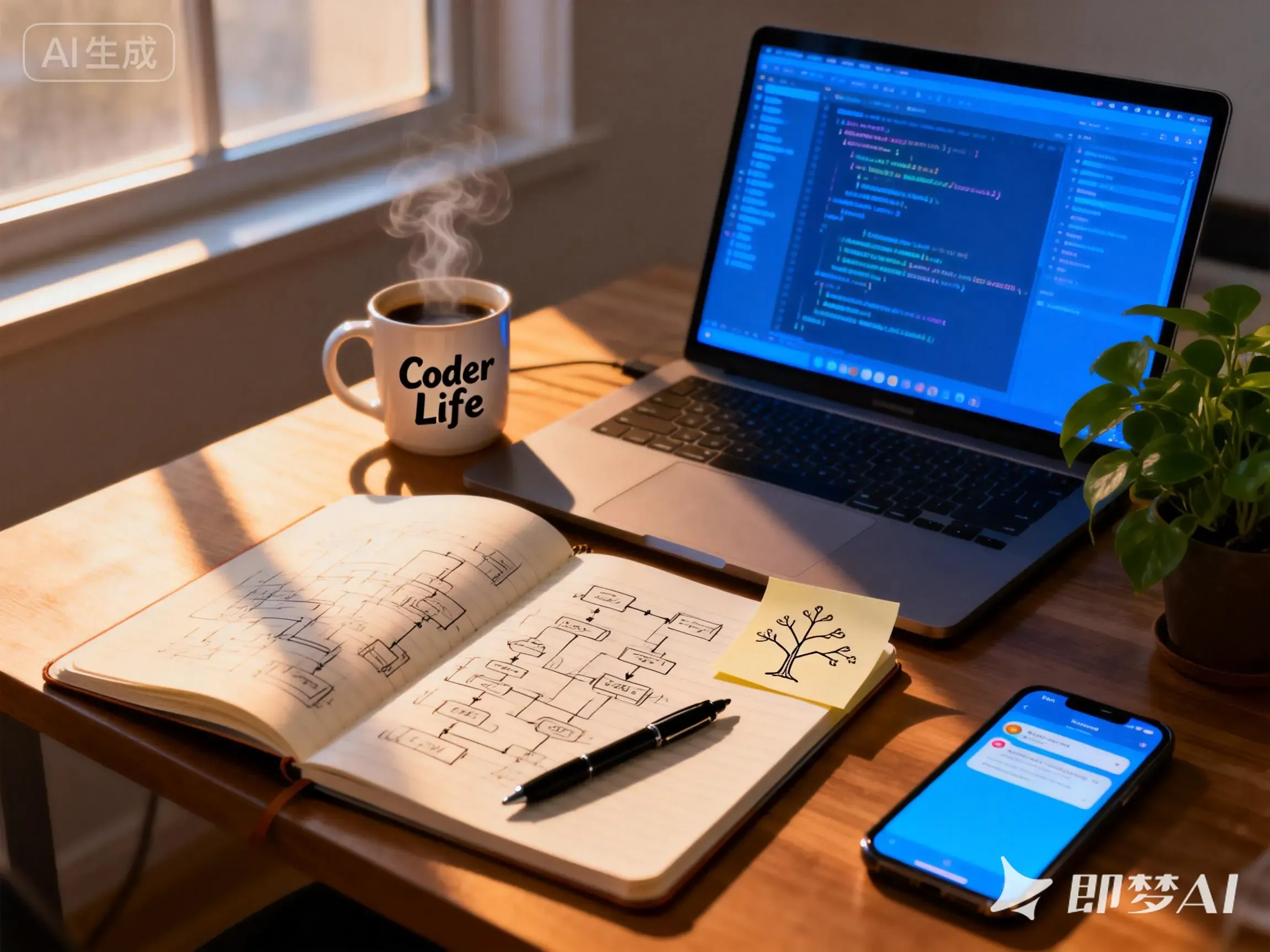
一个忙碌的程序员桌面:打开的笔记本电脑屏幕显示蓝色代码界面;旁边一个咖啡杯,杯身上印着“Coder Life”,杯中热气升腾;一本翻开的笔记,页面绘有流程图;一张便利贴上画着树状思维导图;一支圆珠笔横放在旁;手机屏幕亮起新消息提醒;角落有一盆绿萝植物。背景为虚化窗户,光线从左侧射入,形成温暖阴影。
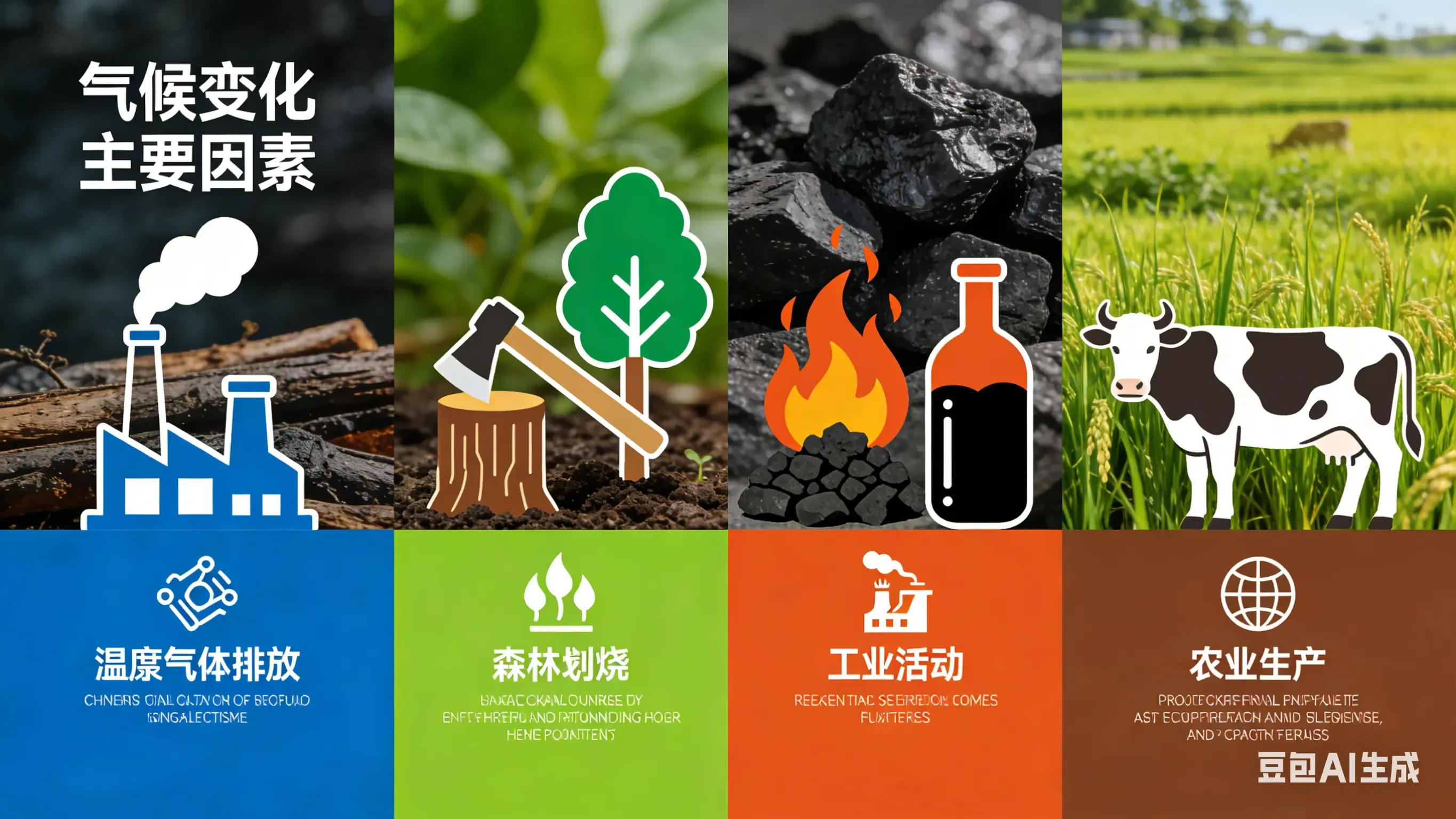
We can also use it to generate knowledge visualization charts, making complex information easier to communicate visually, for example:
- It supports converting complex concepts, formulas, or reasoning processes into intuitive images.
- Use professional terminology and specify the chart type, layout, and style.
创建一张信息图,解释气候变化的主要因素,每项配独立图标和简短文字。
2. Image-to-Image
Image-to-image, as the name suggests, means inputting one or more images and combining them with text descriptions to edit an image or generate a new one. Seedream 4.5 supports the following two scenarios:
- Combine reference images and text to achieve local editing or overall reference-based generation.
- Use arrows, boxed selections, or simple doodles to mark the editing area.
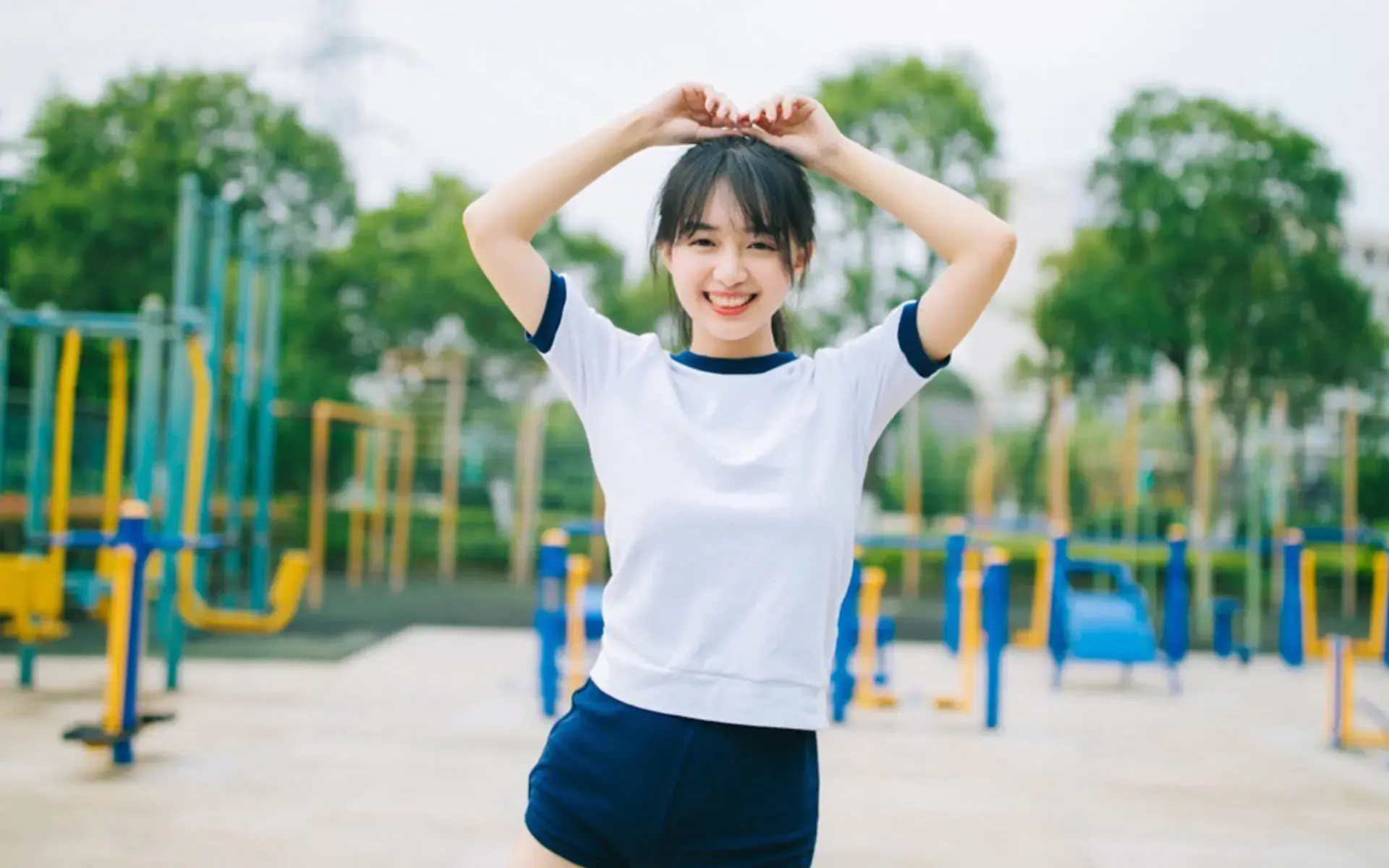
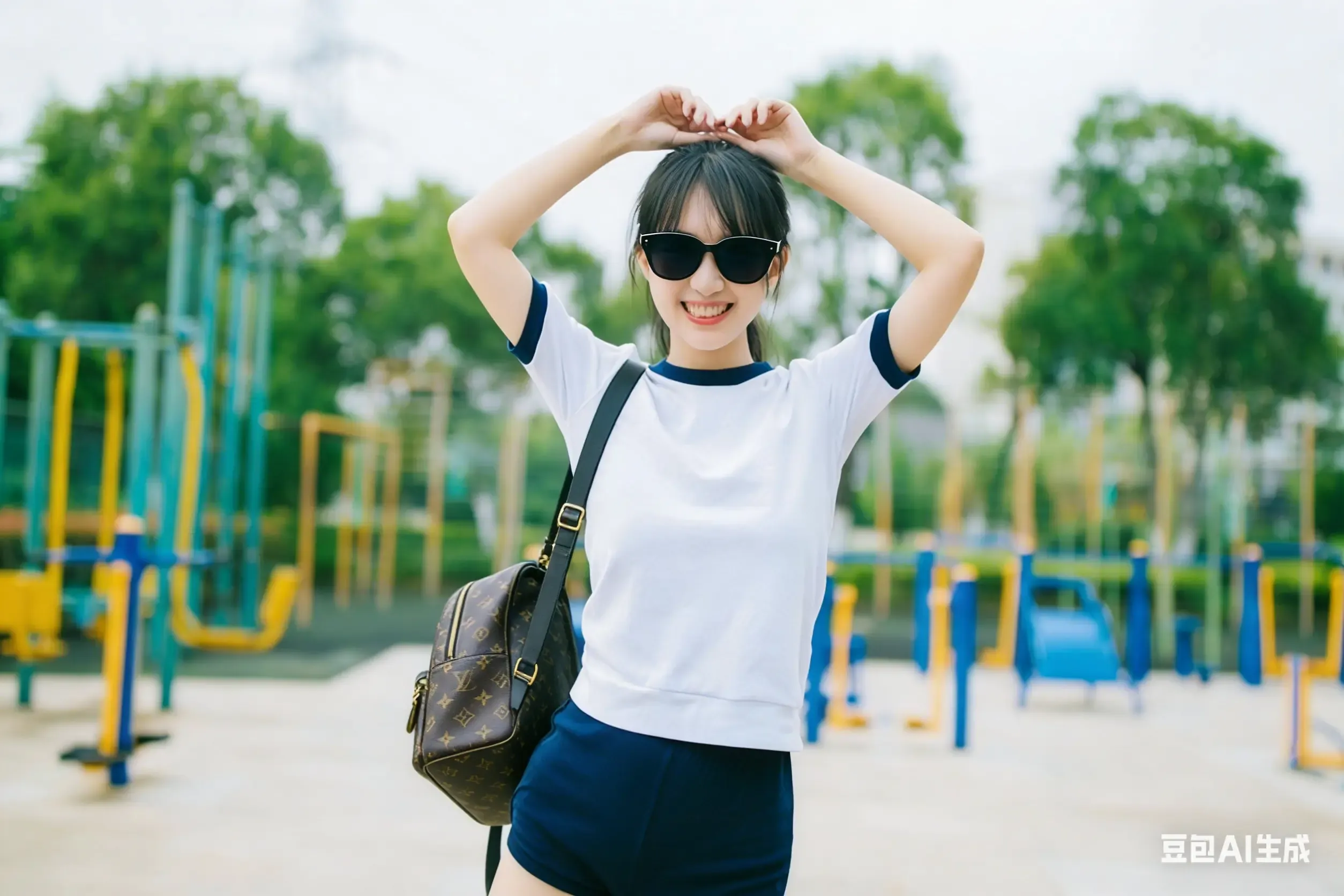
For example, we can add desired elements to an image. Here is an example:
帮我给这个美女带上一个墨镜,背着一个LV挎包
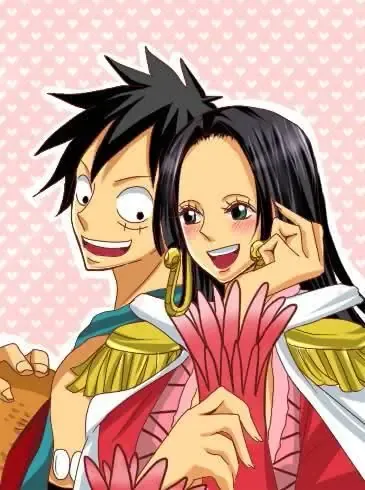
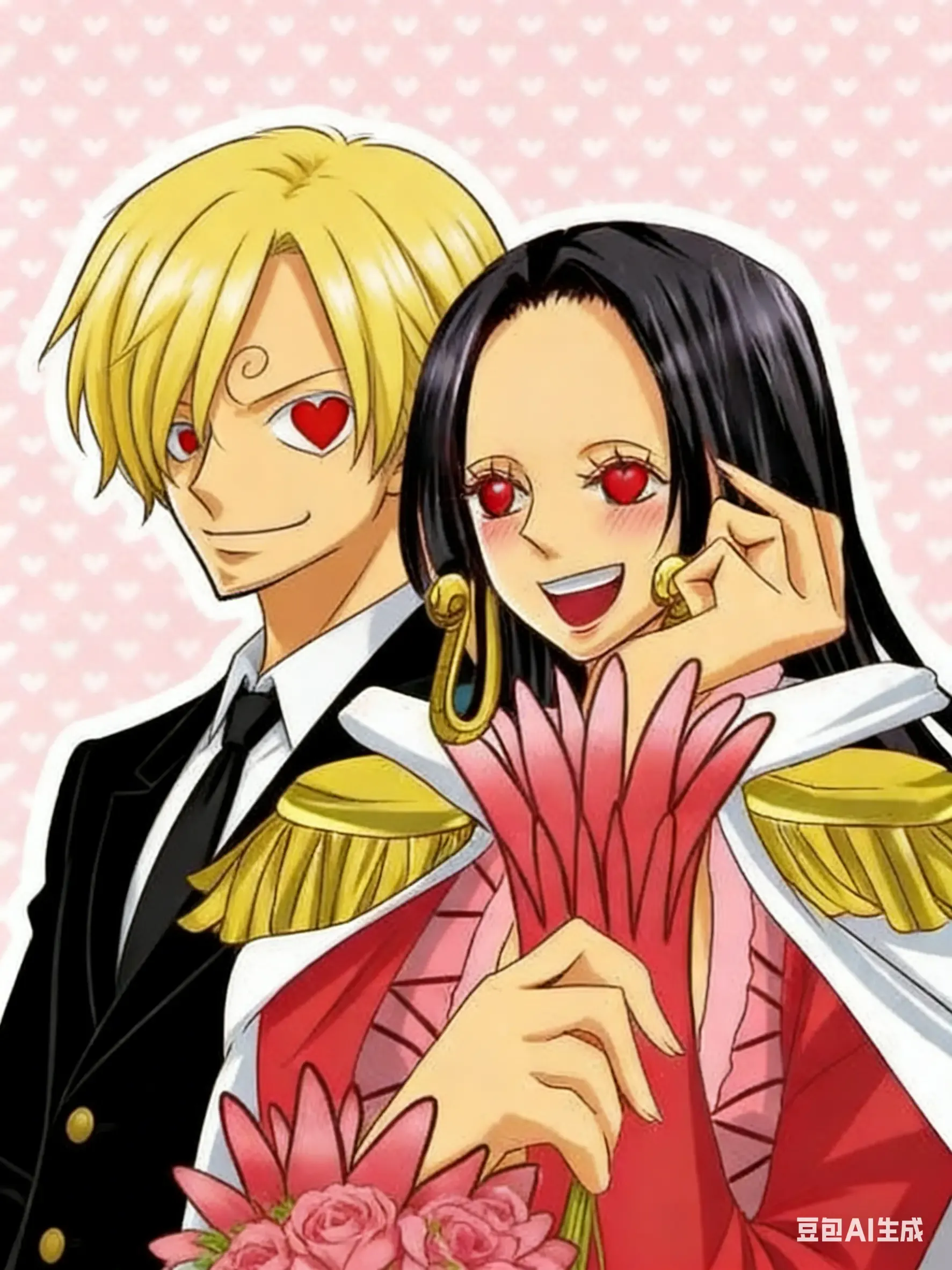
We can also remove elements we do not want and replace them with elements we do want:
把路飞替换成山治,山治眼睛变成红心
3. Multi-Image Generation
Seedream 4.5 supports generating image sequences with consistent characters and unified styles. It can be adapted for storyboard drawing, comic creation, and other scenarios, and can also meet the needs of complete design sets that require a unified visual style, such as IP products and sticker packs. When you need to generate a set of images, you can trigger the model using prompts such as “a series,” “a set,” or “image set,” or directly specify the number of images with a concrete number. For example, generate 9 comic-style images while maintaining a consistent character appearance:
生成 9 宫格可爱卡通风格的漫画,整体色彩鲜艳明快,画面内容为哆啦 A 梦和大雄在公园中快乐玩耍的不同场景,包含两人放风筝、分享铜锣烧、追逐嬉戏、坐在长椅上聊天、喂公园里的小鸟、在草坪上打滚、一起看云朵、玩秋千、在花坛边赏花的画面,要求角色形象还原度高,风格统一连贯,要有对话文案,画面充满童趣氛围感。
With the techniques above, you can use the Seedream 4.5 model more efficiently and create professional-grade image works. Is it possible that, in the future, everyone can become a designer?
Final Tip
If you find that images are too large while using Seedream 4.5, you can try using zippic to efficiently compress image sizes. It can significantly reduce image file size while maintaining image clarity, helping you save storage space and improve loading speed.